MOQ Explained: Why Minimums Exist and How to Beat Them
Need 30 parts but the minimum is 500? The MOQ is usually arithmetic, not greed. The setup-cost math behind minimum order quantities, and five ways to get small batches made without overpaying.

You need 30 parts. The supplier says the minimum is 500. Your first reaction is that they're being greedy or lazy — but nine times out of ten the MOQ isn't a negotiating tactic, it's arithmetic. Understand the math behind a minimum order quantity and you can usually either meet it, dodge it, or get it lowered without anyone losing money.
Why MOQs exist at all
Every production run has costs that don't care how many parts you make: programming the machine, dialing in the first article, swapping tooling, setting up fixtures, the paperwork. Call it the setup cost. If setup is $300 and you order 10 parts, that's $30 of setup buried in every single part. Order 500 and it's $0.60. The MOQ is just the point where setup stops dominating the price and the per-part cost becomes sane.
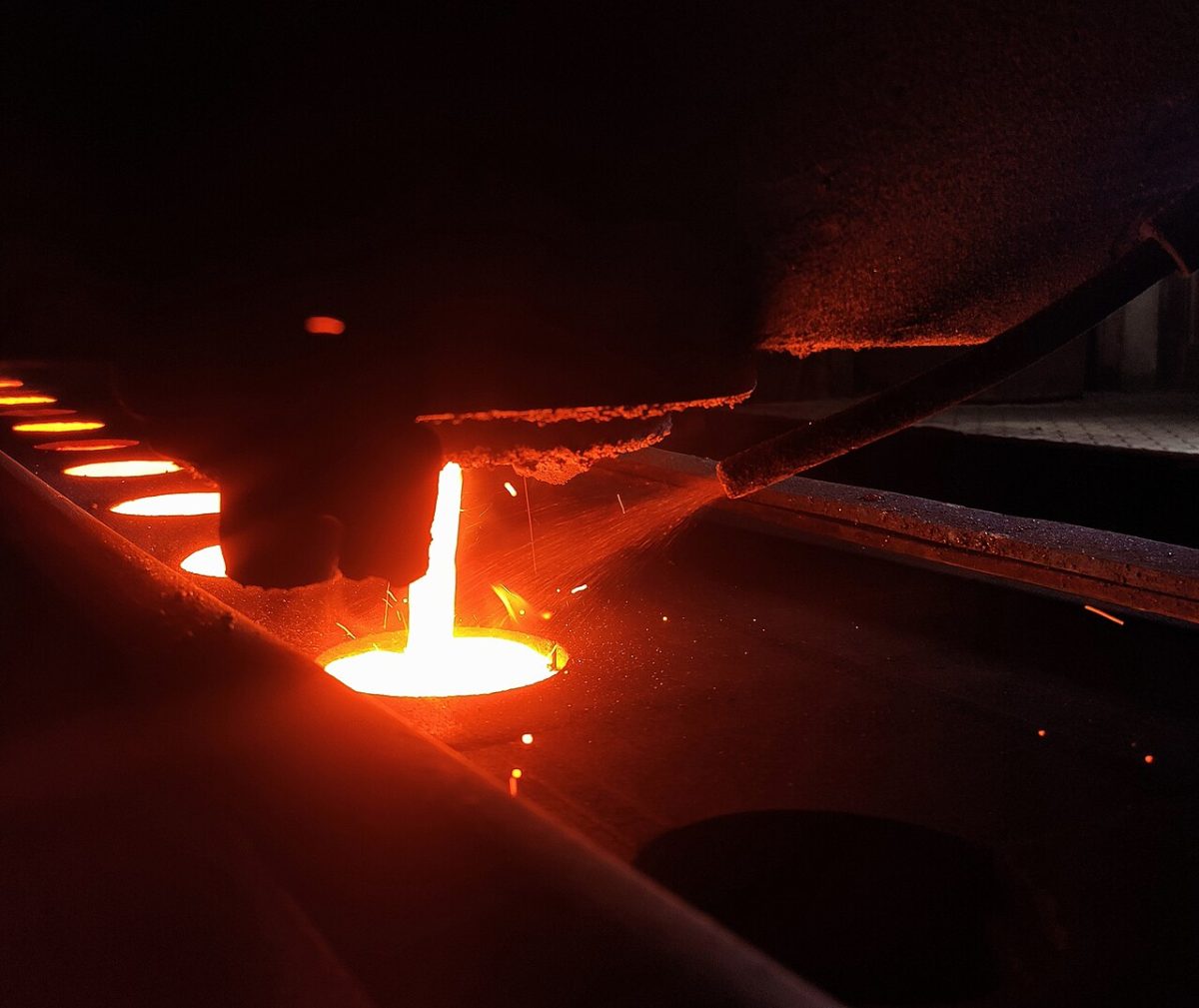
For processes with hard tooling — casting, injection molding, forging — the MOQ is even more brutal, because you've also got to amortize a mold or die that can cost thousands. That's the whole logic behind choosing the right process: tooling-heavy methods only pay off at volume.
The two kinds of minimum
- Minimum order quantity (MOQ): the fewest pieces they'll run. Driven by setup amortization.
- Minimum order value (MOV): the smallest dollar amount they'll take, regardless of piece count. A shop might happily make 5 of a big expensive part (high value) but not 5 of a tiny cheap one (not worth opening the door).
When a supplier quotes “MOQ 500” on a part you only need 30 of, ask which one is actually binding. Sometimes it's really an MOV, and a slightly more expensive part or a paid setup fee clears it.
How to get a small quantity made anyway
- Ask to pay the setup as a line item. The cleanest fix. Instead of “500 minimum,” you pay the one-time setup plus 30 parts. You'll see a higher per-part price, but you only buy what you need. Most machine shops will do this — it's molding and casting where it's harder.
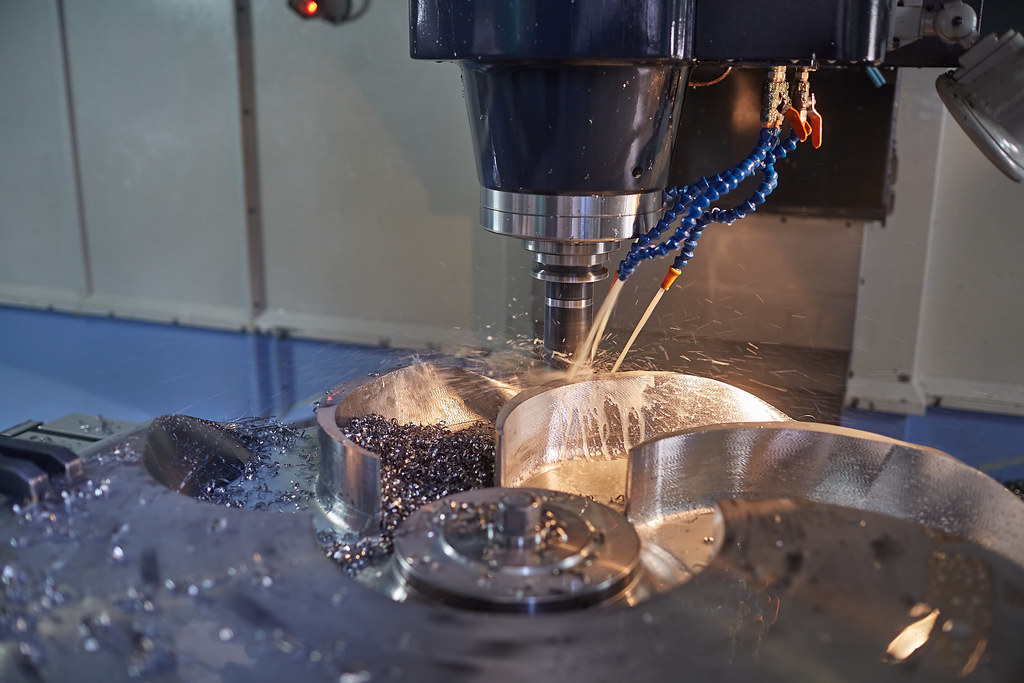
- Pick a process without tooling. For 30 parts, CNC or 3D printing have essentially no MOQ — you pay setup once and run any quantity. Don't tool up a mold for 30 parts; that's covered in casting vs machining.
- Order to a price break, not to your need. If 30 costs $40 each and 100 costs $18 each, the 100-piece order can be cheaper in total. Sometimes buying more is the rational move — spares aren't waste if the unit price collapses.
- Combine parts into one order. Several different small parts run together can clear an MOV even if no single part would.
- Be honest about future volume. A supplier will often flex on the first small order if they believe production is coming. Tell them the real roadmap.
When a low MOQ is a red flag
A shop that advertises “no minimums, any quantity, rock-bottom price” on tooling-heavy parts is either eating a loss (unsustainable — they'll vanish or cut corners) or quietly compromising on the tooling and inspection. For prototype CNC, no-MOQ is normal and healthy. For 50 injection-molded parts at a suspiciously low price, ask what mold they're using and whether it'll survive your production run.
The mindset shift
Stop seeing the MOQ as the supplier's problem and start seeing it as a signal about cost structure. A high MOQ means “this process has high fixed costs — either commit to volume or pick a different process.” A buyer who reads it that way makes better sourcing decisions than one who just argues the number down.
Tell us the quantity you actually need — 5, 50, or 50,000 — and we'll quote it the smart way: no-tooling processes for low volume, paid setup as a line item when that's cheaper than meeting an MOQ, and real price breaks so you can see where ordering more starts to pay for itself. Send your part and target quantity and ask for the quantity-break table. For reading the rest of the quote, see how to read a CNC quote.
Related capabilities
Have a part to make?
Upload your CAD for a detailed quote and free DFM feedback within 24 hours.